One monthly number for the whole wedding.
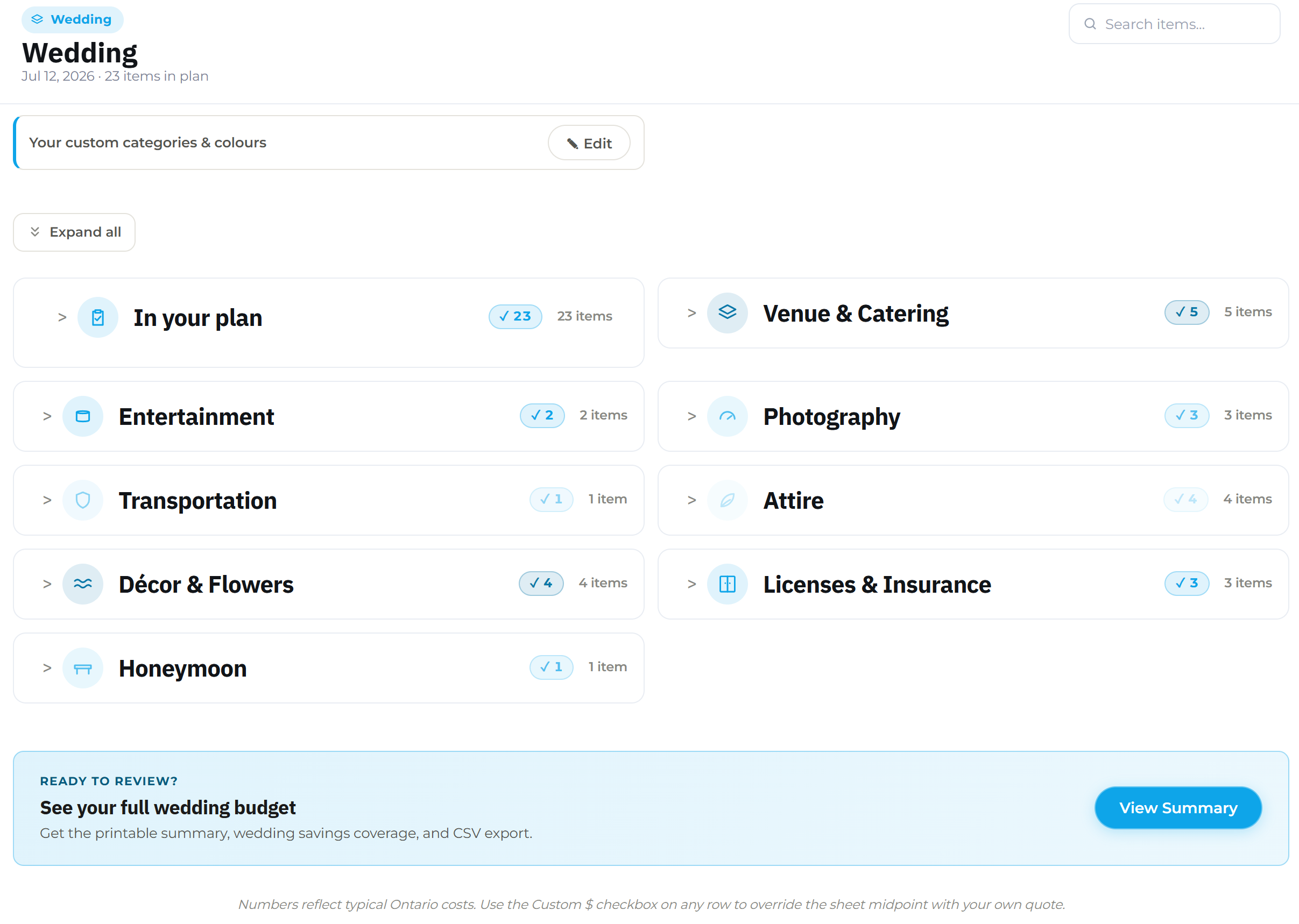
A wedding usually means dozens of costs on one date: the venue deposit, the caterer, the florist, the dress, the rings, the honeymoon. Add it to Budget Forecast as a goal with your wedding date as the target. Each cost gets its own timeline funded to that day, and they add up to one monthly number instead of a scattered list of due dates.
Free to start · No account needed · Pro adds unlimited items and budgets
Every cost, one shared deadline
A wedding budget planner works backward from the date everything is due. Budget Forecast turns your list into one monthly number, saved up well before the day arrives.
The wedding day is the deadline
The venue, the caterer, the photographer, the flowers: each one has its own price, but they’re all due by the same day. Budget Forecast treats your wedding date as the shared deadline and works backward from it. Every cost is funded by the day it’s due, on one schedule instead of a dozen separate ones.
Describe it, get a starting list
Type something like a 120-guest wedding next June, budget around $30,000, and the AI-assisted setup drafts a starting list of typical costs and amounts for you to edit.
Deposits keep their own timeline
A venue deposit due eight months out doesn’t have to wait for the wedding date like the rest of your costs. Give it its own line with its own earlier timeline, and Budget Forecast folds it into the same monthly number alongside costs due on the day itself.
Describe the wedding, review the list
Skip the blank page. Describe the wedding in plain words, including the date and a rough budget, and the AI-assisted setup drafts a starting list of costs and typical amounts. You review and edit every line before anything is added, and you can always add a cost by hand instead.
- ✓Describe it in plain words
- ✓Review every line before it’s added
- ✓Edit any cost or timeline afterward
Wedding budget questions, answered
A few specifics for couples planning a wedding with Budget Forecast.
How do I budget for a wedding with Budget Forecast?
Can I track vendor deposits that are due earlier than the wedding itself?
Is this only accurate for weddings in Canada?
See your wedding number in a few minutes
Open the planner, add your wedding date, and watch the monthly amount appear.
Open the planner for free →